- Free shipping*
- 100 days returns
- Low prices
- 5 million products
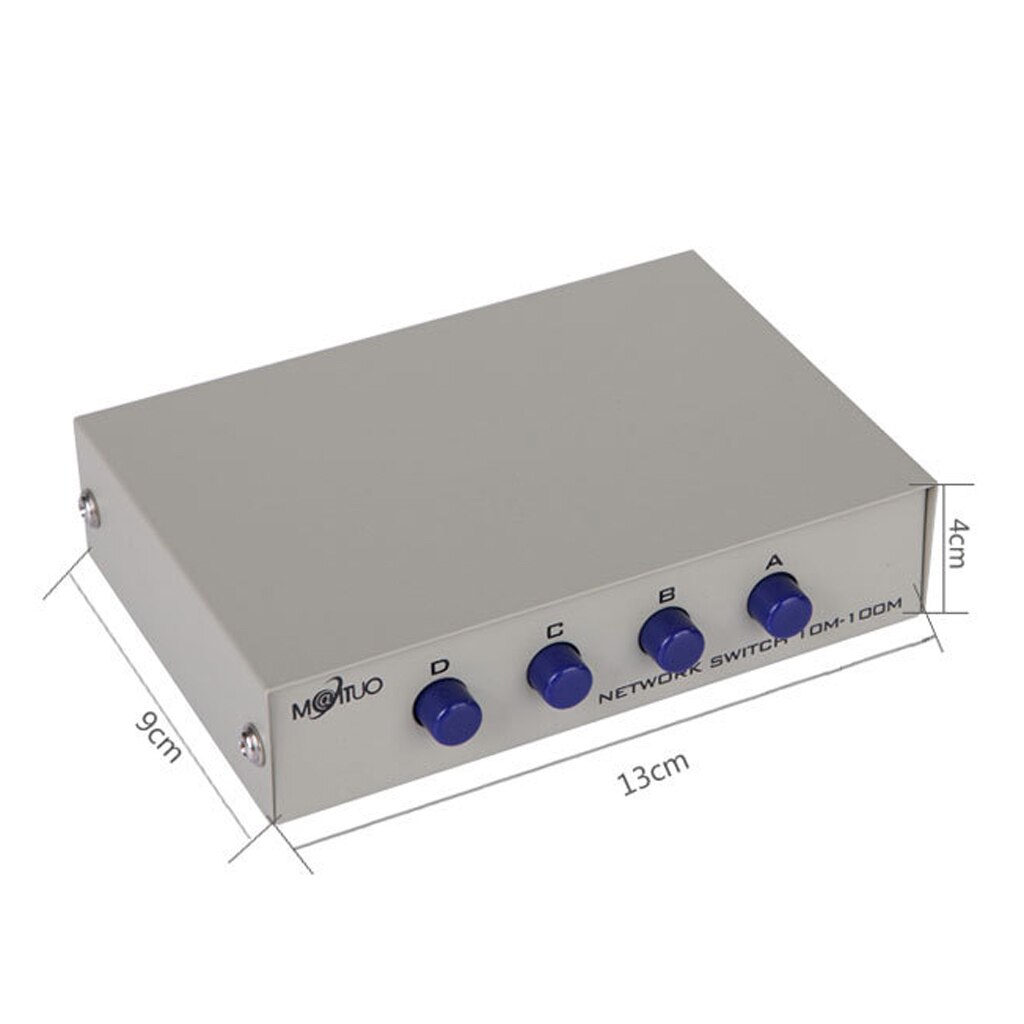
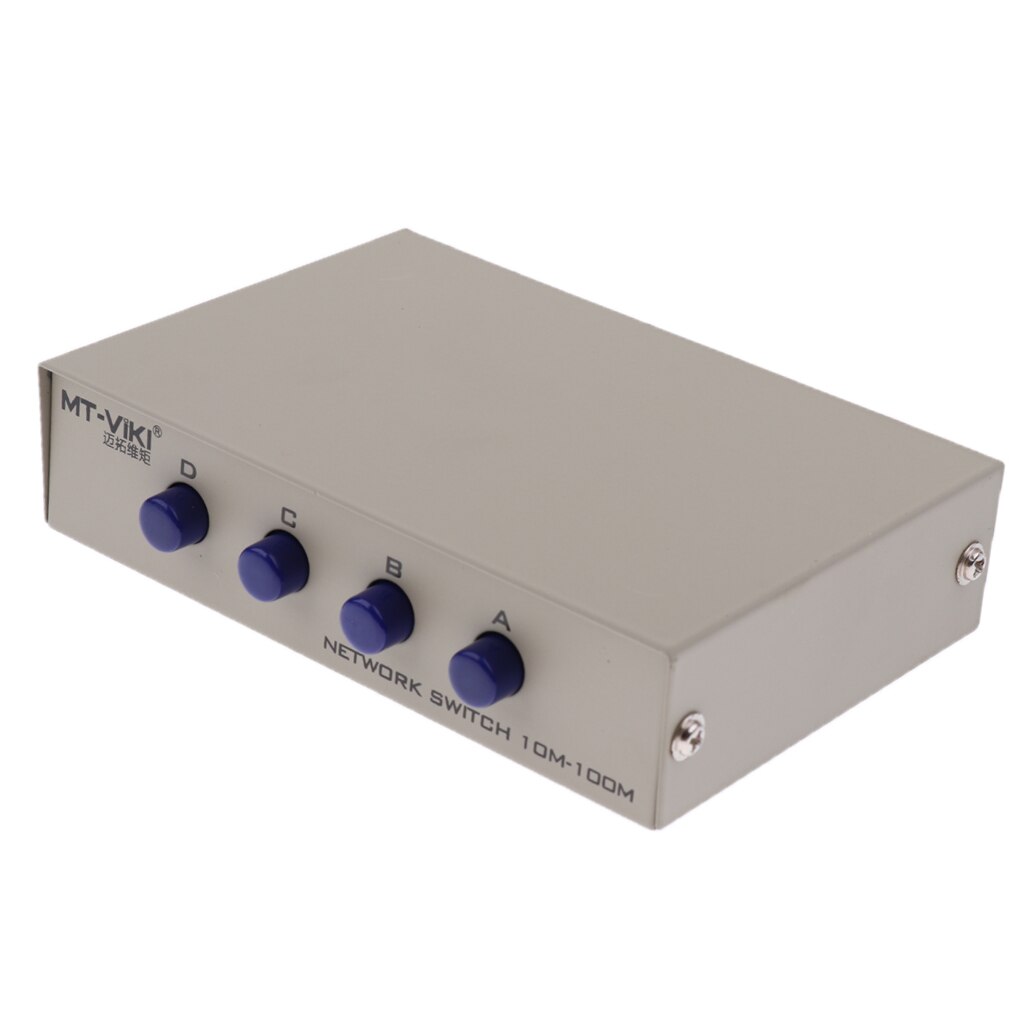
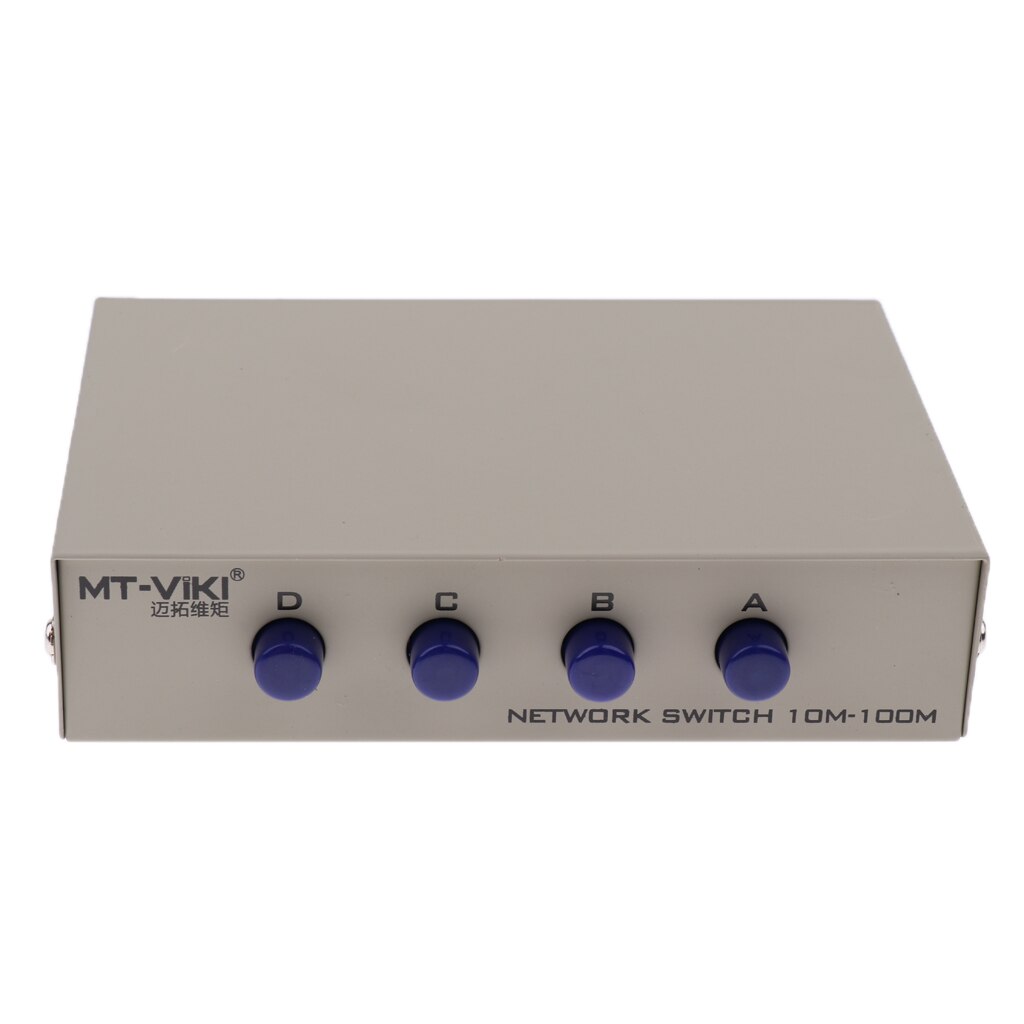
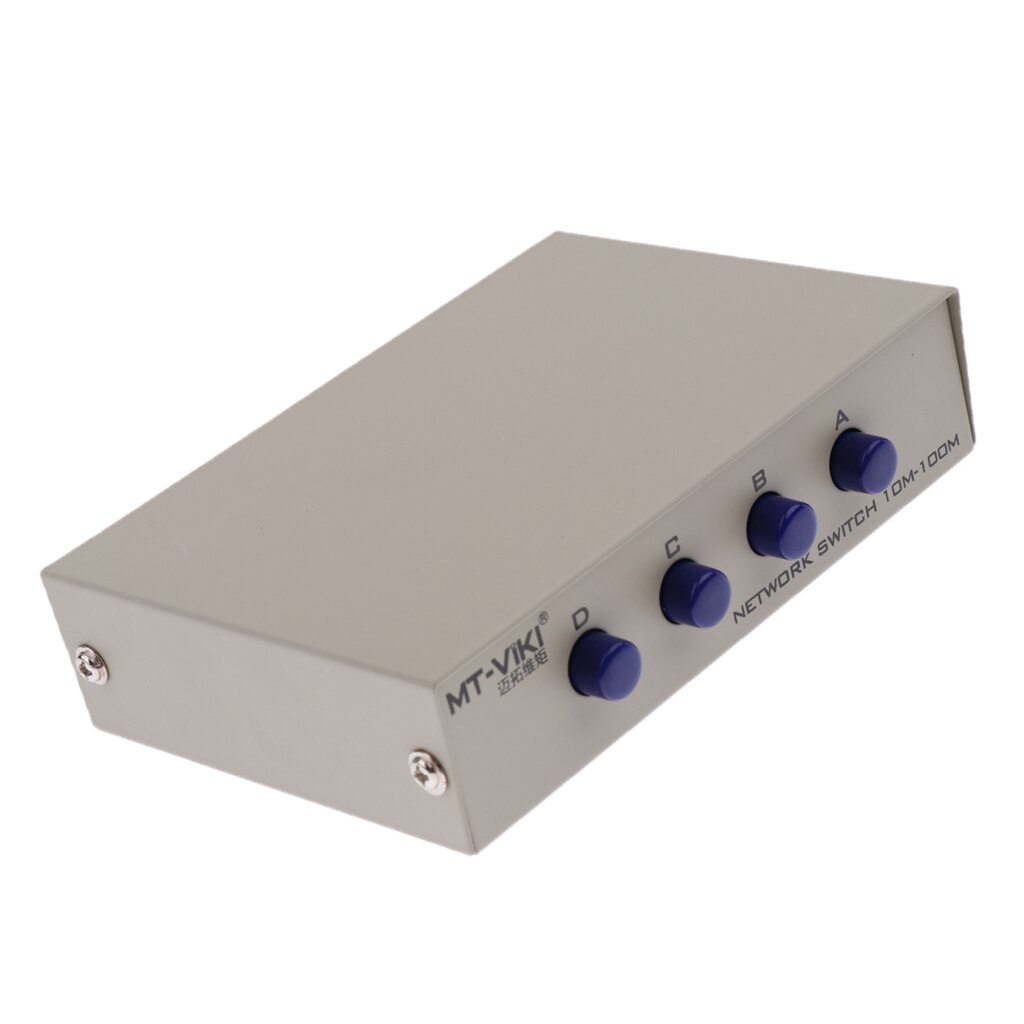
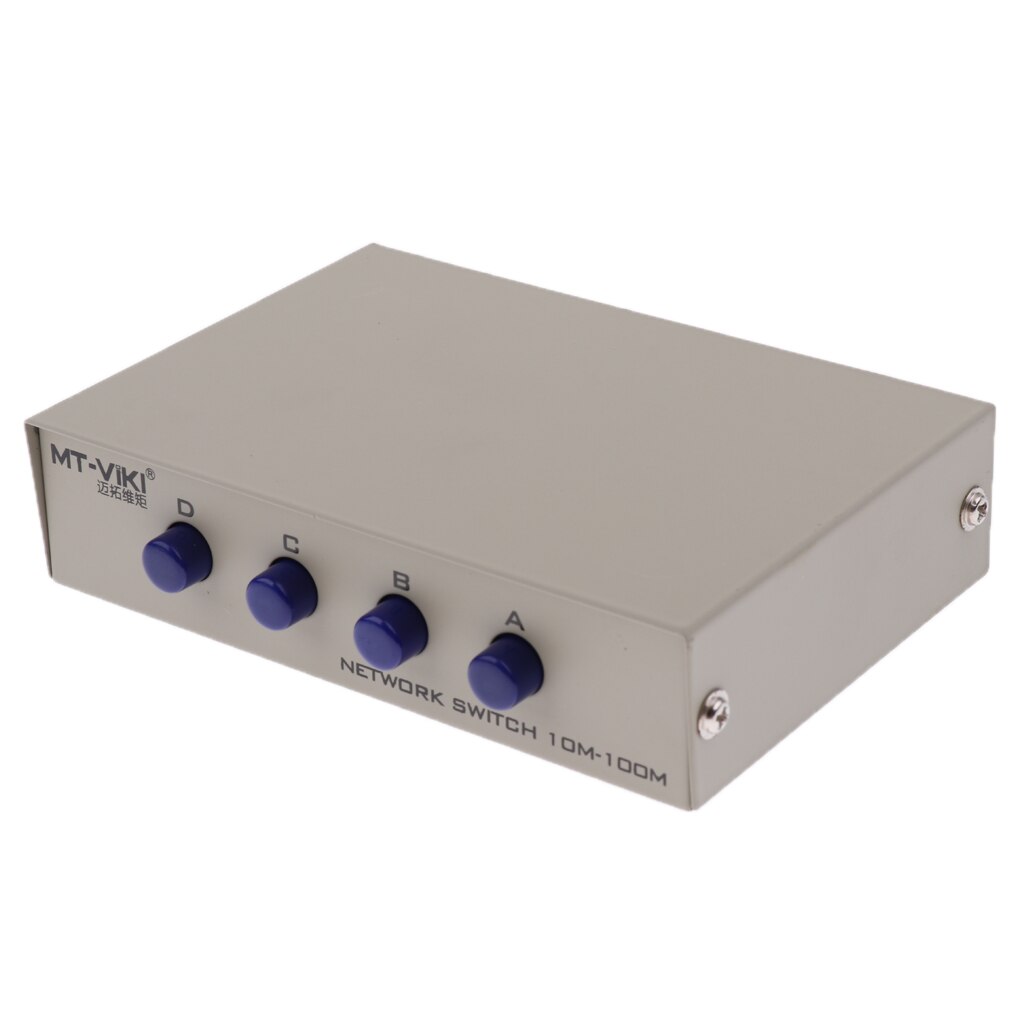
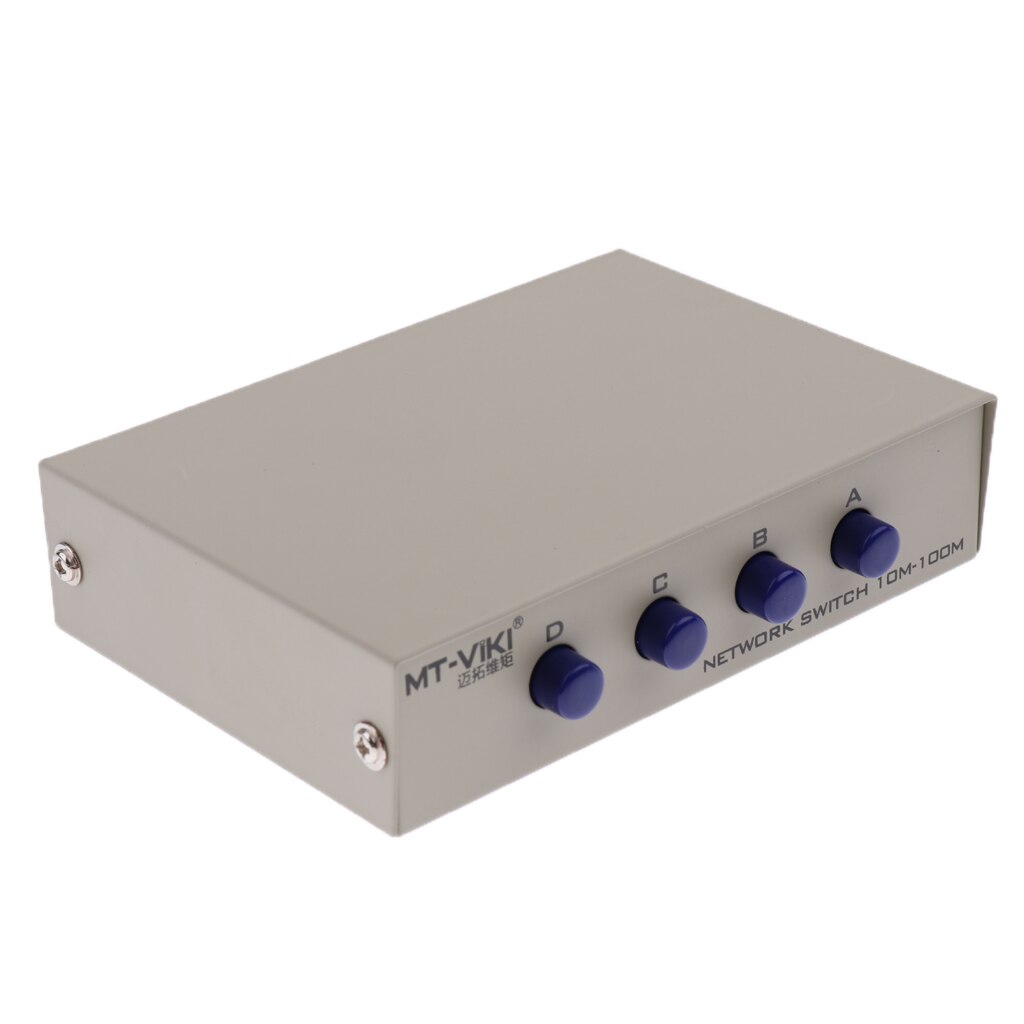
4 Port Manual AB Network Switch Box - USB 2.0 Sharing Selector Splitter Hub Case
Quick Answer
- Manually share one USB 2.0 device between two computers.
- Eliminates the need to unplug and replug cables.
- Simple push-button operation for easy switching.
What is a Manual AB Sharing Switch?
A manual AB sharing switch allows you to connect one USB peripheral (like a printer or scanner) to two separate computers, and then manually select which computer has access to the device via a physical switch. This eliminates the constant need to unplug cables from one computer and plug them into the other, saving time and reducing wear on your cables and ports.
How Does This USB 2.0 Switch Work?
This specific switch supports USB 2.0 devices and features four ports: one port connects to your USB device, and two ports connect to your computers (labeled A and B). A simple push-button on the top of the unit allows you to toggle control of the connected USB device between Computer A and Computer B. The durable plastic casing ensures longevity for everyday use.
Key Features
- **USB 2.0 Compatibility:** Supports high-speed data transfer for most USB peripherals.
- **Manual AB Switching:** Easily toggle device control between two computers with a single button press.
- **Plug and Play:** No drivers or software installation required; simply connect your devices.
- **Compact Design:** Small footprint saves desk space.
Specifications:
- Origin: CN(Origin)
- Brand Name: MagiDeal
- Certification: CE
Frequently Asked Questions:
Can I use this switch with USB 3.0 devices?
No, this switch is designed specifically for USB 2.0 devices. Using it with USB 3.0 devices may result in slower speeds or connectivity issues.
Does this switch require external power?
No, this manual AB sharing switch is bus-powered via the USB connection from the computers. No external power adapter is needed.
How do I switch control between computers?
Simply press the button on top of the switch box. One press will toggle control from the current computer to the other connected computer.
What kind of devices can I connect?
You can connect any standard USB 2.0 peripheral, such as printers, scanners, external hard drives, webcams, or keyboards and mice.
- Free shipping*
- 100 days returns
- Low prices
- 5 million products